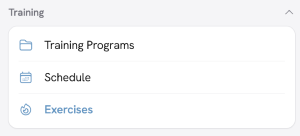
We are constantly levelling up our platform, including adding more prebuilt exercises to our training gallery to make your life easier. However, if you have an area of specialisation that requires you to add your own movements to the platform, you can do so in the Exercises section.
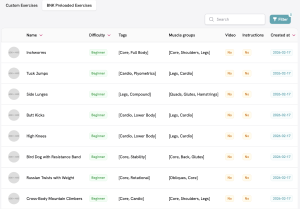
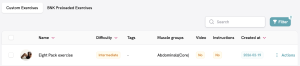
You can view the current selection of exercises by clicking on the ‘BNK Preloaded Exercises’ tab. This is an excellent resource for planning which movements to add to your Workouts.
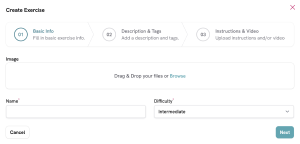
To add your custom exercises, simply click the ‘Create Exercises’ button in the top-right corner of the webpage.

Creating a custom exercise allows you to add in descriptive text, images and even video to show clients exactly how to perform the movement.
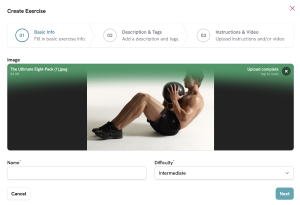
Once completed, click on the ‘Custom Exercises’ tab to see your newly added movement.
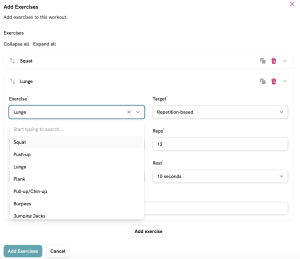
This exercise can now be added to any of your Workouts by selecting the associated muscle group and then typing the name under ‘Exercise’.
Note! Although the exercise will appear in the Custom Exercises tab for you, it will not be visible to other trainers on the platform. It is unique to you and your client.